Getting started on your data journey
Part One: Community, Installation, Workflow Overview, Inputting and Outputting Data
Alteryx Community
The absolute best tool to skill yourself up is the Alteryx community.
On the community you will find self paced interactive lessons, weekly challenges (the best way to practice), multiple levels of certification starting at micro going up to predictive master and finally a thriving forum for help with any problem.
What is Alteryx Designer
Alteryx designer allows business teams to build automated processes in an efficient, repeatable, and less error-prone way with a no/low code environment. With the quickly accesses, manipulates, analyses, and outputs data from any source with a drag and drop environment empowers more users.
Installation guide
Designer Overview
Designer has 4 major components tool bar, configuration window, results window, canvas. The tool bar is where all the tools that can be dragged to the canvas are situated; a favourites tab displays your most used tools. The canvas is the workspace where the workflow can be built. At any point in the workflow an anchor on a tool can be selected and the results window will display the data in its current form in the process. Any tool can have its properties changed within the configuration window allowing them to alter the data in different ways.
Components of a workflow
Every tool can be linked together by dragging from an output anchor to an input anchor. These connections can be deleted and recreated all without altering tools.
Connecting Data
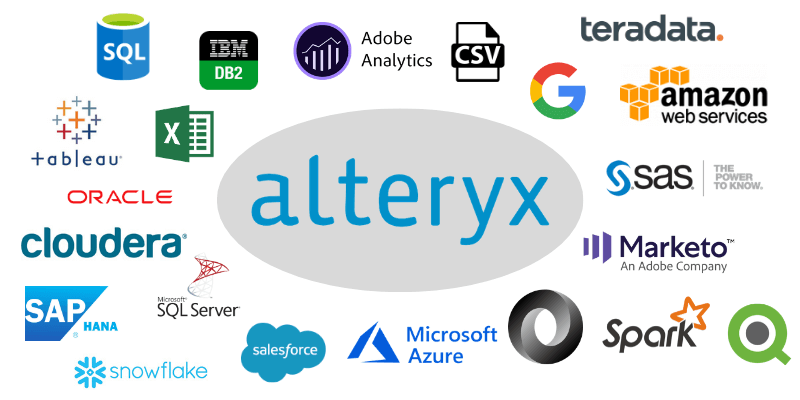
Data can be read from many sources with the input data tool. Alteryx can connect to many different data sources.
For an interactive lesson on the input data tool look here or to start your data journey click the button for a free trial